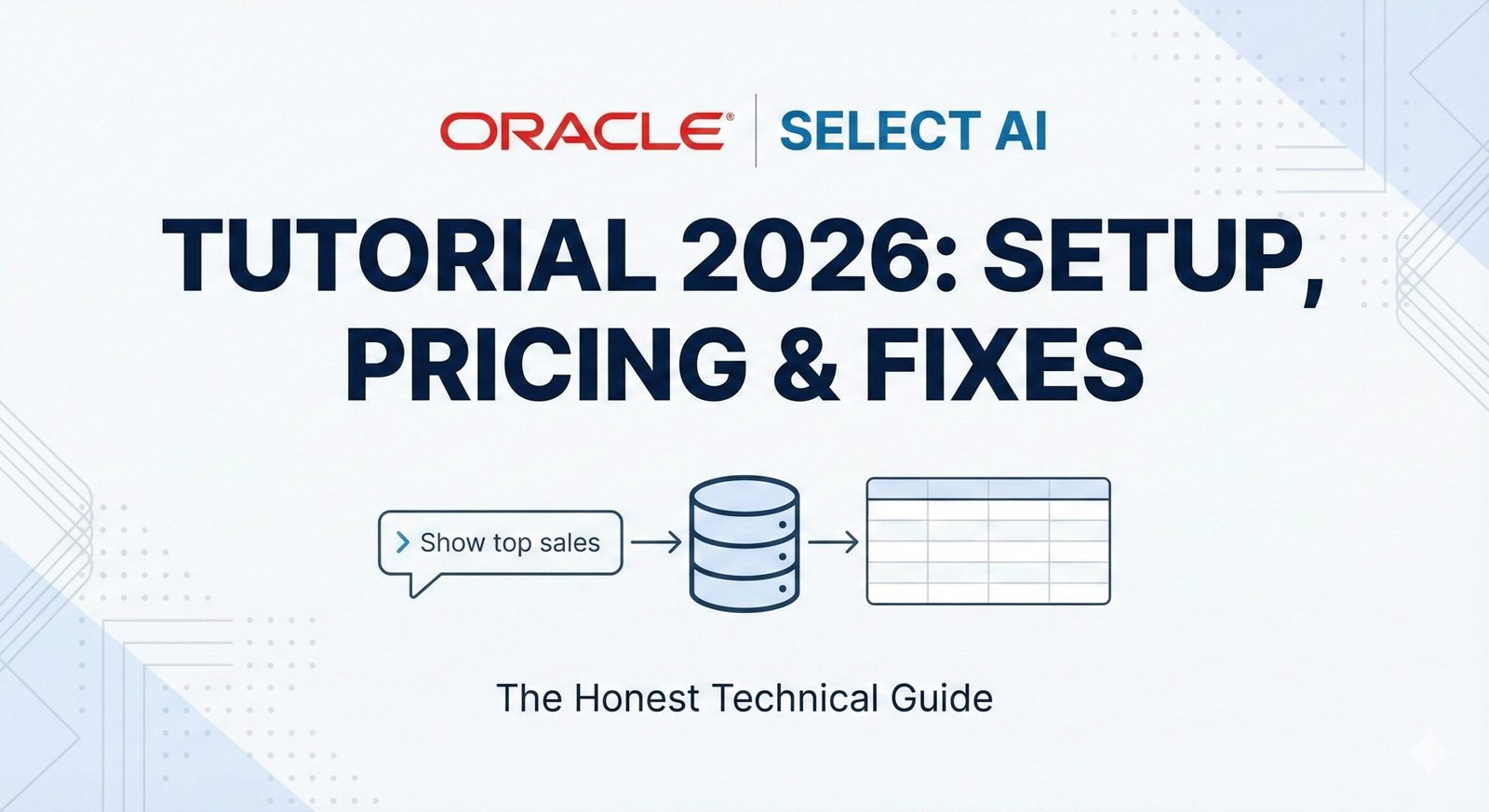
Oracle Select AI Tutorial 2026: Setup, and Fix Common Errors
Look, I’ve been burned by “AI-powered” database features before. When Oracle announced Select AI two years ago, my first reaction was pure skepticism. Another marketing gimmick, right? Some glorified autocomplete that would generate garbage SQL and waste my time debugging.
But then something changed. I was drowning. We had 47 different ad-hoc report requests stacked up in my queue. Analysts were waiting 2-3 days just to get a simple “show me sales by region” query. I was writing the same types of queries over and over different filters, same patterns. It was soul-crushing work.
So I decided to actually spend a week testing Select AI seriously. No cynicism, no dismissing it immediately. Just honest evaluation.
Here’s what surprised me: it actually worked. About 70% of the time, it generated correct SQL without me touching it. For the remaining 30%, the errors were fixable usually because I’d set it up wrong or hadn’t documented my schema properly.
What really sold me was the time savings. Queries that used to take me 15 minutes took 90 seconds. And suddenly, my team could self-serve simple reports without bugging me. My Slack notifications actually decreased.
That said and I need to be clear about this it’s not magic. It hallucinates joins. It struggles with bad column names. It costs money. And if you try to use it for your financial reporting, you’re going to have a bad time.
This guide is what I wish existed when I started. The real problems, the actual fixes, and honest talk about when to use it versus when to write SQL the old-fashioned way.
The Network ACL Thing (That Nobody Tells You About)
Here’s where I wasted my first Friday. I created my credentials, set up my profile, and tried to run my first query. Got slapped with ORA-24247: network access denied.
I spent three hours searching Oracle’s documentation. The Select AI docs said nothing about this. I started googling error codes, checked my OpenAI credentials three times, looked at the profile configuration… everything looked right. Finally, at 4:50 PM, I found a Reddit thread (yes, Reddit) mentioning the Network ACL requirement.
Oracle Select AI talks to OpenAI’s servers. Your database needs explicit permission to do that. If you skip this step, nothing will work, and the error message is completely unhelpful.
Here’s the code that fixes it. Run this as a DBA user:
BEGIN
  DBMS_NETWORK_ACL_ADMIN.APPEND_HOST_ACE(
    host => 'api.openai.com',
    lower_port => 443,
    upper_port => 443,
    ace => xs$ace_type(
      privilege_list => xs$name_list('http'),
      principal_name => 'ORCL_ADMIN',
      principal_type => xs_acl.pls_regexp_match
    )
  );
  COMMIT;
END;
/
Replace ORCL_ADMIN with whoever actually owns your Select AI profile. That’s important. I made it for the wrong user the first time and wondered why it still didn’t work.
To check if it actually worked, run this:
SELECT * FROM dba_network_acls WHERE host LIKE '%openai%';
SELECT * FROM dba_network_acl_privs WHERE principal = 'ORCL_ADMIN' AND host LIKE '%openai%';
Both should return results. If nothing comes back, you’re not done yet.
Setting It Up: The Stuff That Actually Matters
Getting Your OpenAI API Key (And Bracing for Costs)
You need an OpenAI account. Create one, enable billing, and generate an API key. This is non-negotiable. Select AI won’t work without it.
Here’s the thing about cost that nobody talks about: it’s not free. Each query costs money. Not a lot per query, but it adds up fast if you’re not careful.
OpenAI charges by tokens. A token is roughly 4 characters. A typical query uses 200-500 tokens, so you’re looking at about $0.01-$0.02 per query in most cases. Sounds cheap. But if your team runs 100 queries a day? That’s $600-$1,200 a month.
I found this out the hard way when I ran a test with 50 simultaneous queries and got a bill I wasn’t expecting. Set a spending limit in your OpenAI account settings. Seriously.
Creating the Credential
This part is straightforward, but there’s a weird gotcha:
BEGIN
  DBMS_CLOUD.CREATE_CREDENTIAL(
    credential_name => 'openai_cred',
    username => 'OPENAI',
    password => 'sk-proj-YOUR_ACTUAL_API_KEY_HERE'
  );
END;
/
The username has to be exactly OPENAI. Not openai, not OpenAI_API, not api_key. Just OPENAI.
I tried openai_api on my second attempt and spent an hour wondering why the profile creation failed silently. There was no error message, nothing in the logs. It just… didn’t work. Changed the username to OPENAI, and suddenly everything worked.
Creating the Profile (The Secret Sauce)
This is where things get interesting. The profile controls what tables the AI can actually see. If you don’t restrict this, the AI will try to join your entire schema together and generate 200-line queries that time out and crash.
BEGIN
  DBMS_CLOUD_AI.CREATE_PROFILE(
    profile_name => 'sales_ai',
    attributes => json_object(
      'credential_name' value 'openai_cred',
      'object_list' value json_array('SALES', 'CUSTOMERS', 'PRODUCTS', 'ORDER_LINES'),
      'model' value 'gpt-4-turbo'
    )
  );
END;
/
That object_list parameter? That’s your best friend. It tells the AI: “You can only see these four tables. Don’t even think about INVOICES or HISTORY or anything else.”
Without it, I asked Select AI to “show me sales by region,” and it generated a query that tried to join 15 tables I’d never even heard of. The query ran for 90 seconds, hit the timeout, and gave up.
With the object_list, same request now works in 2 seconds.
I usually create one profile per business function. One for sales analytics, one for customer success, one for finance. Keeps things clean and prevents accidents.
Let’s Test This Thing
Time to see if it actually works:
SELECT AI
  PROFILE sales_ai
  'Show me the top 5 products by total revenue in 2025'
;
If you get back a result set, congratulations. You’re done with setup. If you get an error, skip to the troubleshooting section.
How to Actually Use It (Two Different Ways)
This one returns actual data you can use:
SELECT AI
  PROFILE sales_ai
  'What was our total sales volume by customer segment in Q4 2025?'
;
The AI generates SQL behind the scenes, runs it, and gives you back rows and columns like any normal query. Use this when you need to feed data into a spreadsheet, dashboard, or another report.
I use this constantly for quick sanity checks. “Did sales actually spike last month?” Three seconds later, I have an answer.
The Fancy Way: SELECT AI NARRATE
This one gives you a paragraph summary:
SELECT AI NARRATE
  PROFILE sales_ai
  'Give me a summary of our top 10 customers by lifetime value and what trends you notice'
;
The AI runs the query, analyzes the results, and writes a human-readable summary. It’s slower (takes about 5-10 seconds usually) and costs more, but it’s perfect for executive emails or when you want intelligent interpretation, not just data.
I tried this for a monthly revenue report to our CFO. Instead of sending a spreadsheet, I sent the AI’s narrative summary. He actually read it. Game changer for my inbox.
When It Breaks (And It Will Break)
I’ve hit every error in this section. Here’s how to fix them.
ORA-24247: network access denied
You skipped the ACL step or did it wrong.
Check if the ACL is there:
SELECT * FROM dba_network_acls WHERE host LIKE '%openai%';
Nothing? Run the ACL code again. Make sure you used the right schema name.
Still nothing? Check the principal:
SELECT * FROM dba_network_acl_privs WHERE principal = 'ORCL_ADMIN';
If the results show api.openai.com, you’re good. If not, the ACL is for the wrong user.
ORA-20404: Object not found
You asked about a table that’s not in your object_list.
Example: Your profile only has access to ['SALES', 'CUSTOMERS']. You ask for “orders by status.” There’s no ORDERS table in the list, so the AI can’t find it and gives up.
Fix it by adding the table:
BEGIN
  DBMS_CLOUD_AI.DROP_PROFILE(profile_name => 'sales_ai');

  DBMS_CLOUD_AI.CREATE_PROFILE(
    profile_name => 'sales_ai',
    attributes => json_object(
      'credential_name' value 'openai_cred',
      'object_list' value json_array('SALES', 'CUSTOMERS', 'PRODUCTS', 'ORDER_LINES', 'ORDERS'),
      'model' value 'gpt-4-turbo'
    )
  );
END;
/
The AI Generates SQL That Looks Right But Returns Wrong Data
This one is sneaky. The query runs fine, completes in 2 seconds, but the numbers are completely wrong.
Why it happens: Your column names are terrible. I say this from experience I inherited a schema with columns named col_99, c_stat, amt_fk. The AI has no idea what these mean.
How I fixed it: I documented the columns using Oracle comments:
COMMENT ON COLUMN customers.c_stat IS 'Customer status. A=Active (current paying customer), I=Inactive (churned customer), S=Suspended (temporarily paused). Use ''I'' when analyzing churn.';

COMMENT ON COLUMN transactions.amt_fk IS 'Transaction amount in USD. Positive for sales, negative for refunds. Always stored as number, never null.';

COMMENT ON COLUMN products.prod_cat IS 'Product category code. Maps to PRODUCT_CATEGORIES table via cat_id foreign key.';
Sounds tedious, but it took me 30 minutes to document 15 columns. That one afternoon of work saved me from misinterpreting data forever. And it helped the AI generate correct queries the first time.
Queries Are Timing Out or Slow
This usually means the AI generated a query that scans way too much data or tries to join tables inefficiently.
I’ve found that being more specific in your request helps:
Instead of: 'Show me sales trends' Try: 'Show me sales trends for the last 12 months, broken down by month'
Adding the time constraint makes the AI much more likely to add a proper WHERE clause instead of scanning the entire SALES table.
The Money Talk (And Why It Matters)
I promised honesty. Here’s the honest part: Select AI costs money, and it can add up. OpenAI’s pricing is about $0.01 per 1,000 input tokens and $0.03 per 1,000 output tokens. A typical query uses 300 tokens total, so roughly $0.01 per query.
Let me do the math for different usage levels:
- 50 queries/day = $25/month. Totally fine.
- 200 queries/day = $100/month. Getting noticeable.
- 1,000 queries/day = $500/month. Budget-level decision.
Here’s what I did: I set a hard spending limit with OpenAI ($200/month). If we hit it, queries start failing. That might sound harsh, but it forces a conversation about whether we’re using this responsibly.
I also log every query to a table so I can see who’s using it and how much they’re spending. Turns out, three people account for 60% of the usage. We sat down, optimized their workflows, and cut costs by 40%.
When to Actually Use This (And When to Run Away)
I’ve learned the hard way which situations are right for Select AI and which ones will blow up in your face.
Perfect for:
- Quick ad-hoc questions. “Who were our top 10 customers last quarter?” Used to take me 15 minutes. Now 90 seconds.
- Self-service reports for non-technical people. My product manager can now ask her own questions instead of bugging me.
- Data exploration. Before building a formal dashboard, I generate test data with Select AI to validate my assumptions.
- One-off analysis. “Do we have a seasonal pattern in Q4?” Answer in 2 minutes.
Absolutely do NOT use for:
- Financial reporting. If your auditors or the IRS cares about the number, a human wrote that SQL. The AI can miss edge cases, and you won’t know until it’s too late.
- Real-time, high-volume queries. If 10,000 people are using your system simultaneously, you can’t afford API latency.
- Complex business logic. If your calculation is “customers who purchased 3+ items in the last 6 months AND clicked an email AND have high lifetime value,” write that SQL by hand. The AI will either hallucinate logic or oversimplify it.
The Verdict
I went from “this is a gimmick” to “this is genuinely useful” in about two weeks of real usage. It’s not perfect. It doesn’t replace SQL expertise. But it genuinely saves me time on the work that matters least boilerplate ad-hoc queries.
For my team, it’s been a game changer. We spend less time on repetitive report writing and more time actually analyzing data. My Slack message queue for “can you pull a quick report?” went from 10-15 requests a week to maybe 3-4.
But here’s the thing: it only works if you set it up right. The ACL step matters. The object_list constraint matters. Column documentation matters. Skip any of these, and you’re going to have a frustrating time.
If you’re in a similar situation as I was drowning in simple SQL requests this is worth the investment. Just go in with realistic expectations. It’s a tool that makes your job easier, not a replacement for your job. And for the love of all that is holy, set that OpenAI spending limit. Trust me on this one.